Help
Every screen in HourSign has a guide. Each one carries screenshots of the real product, and the main workflows have a short silent walkthrough you can watch.
The guides live inside the app and are readable without an account.
Every guide, the same shape.
So you always know where to look, whichever screen you are stuck on.
- What it does
- What you need first
- Numbered steps
- What you should see afterwards
- Where it stops
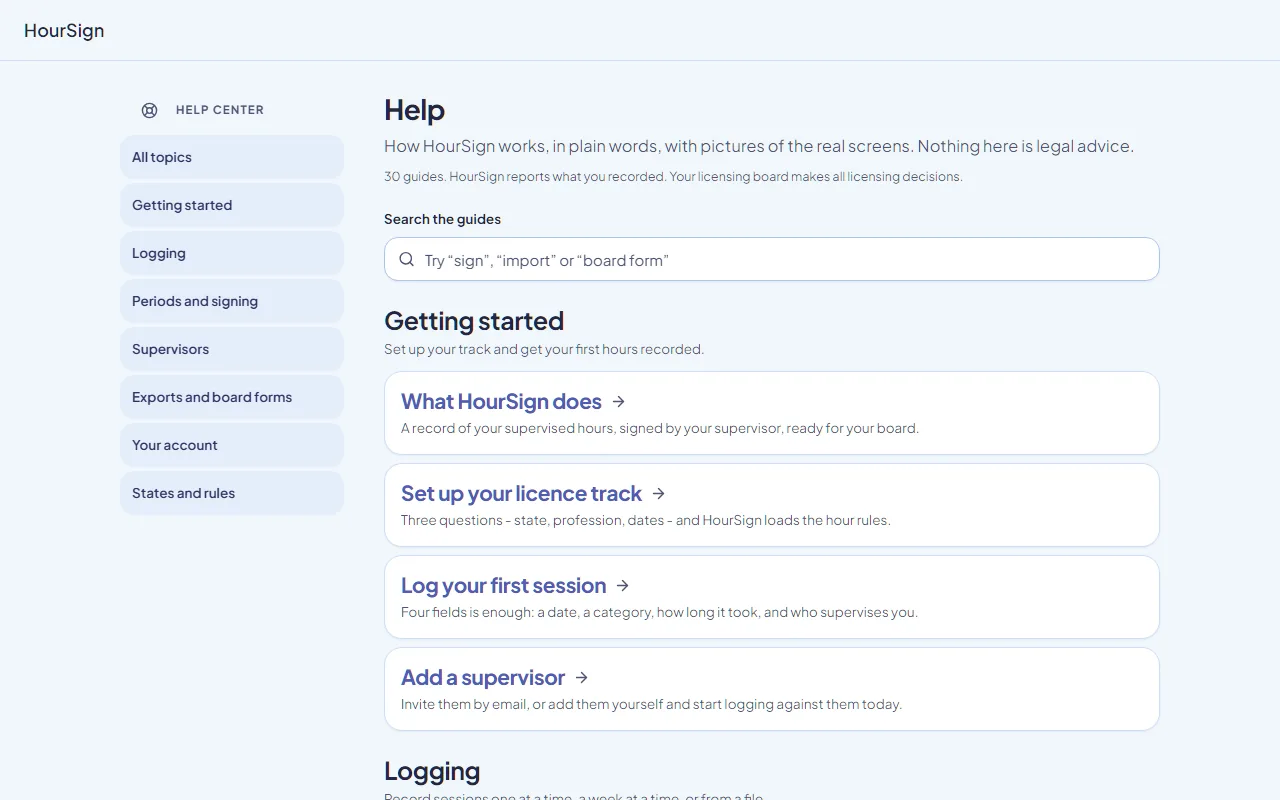
What the guides cover.
7 topics. Each link opens that part of the Help Center.
- Getting startedWhat HourSign does, setting up your license track, logging your first session, and adding a supervisor.
- LoggingFinding and filtering your log, editing entries, logging a whole week, importing from a CSV, and adding the sites where you work.
- Periods and signingWhat a reporting period is, sending one for signature, what to do when one comes back, and correcting a signed period.
- SupervisorsFor the person who signs: accepting an invitation, reviewing and signing a period, signing from a review link, and your signed records.
- Exports and board formsDownloading a signed record, the board forms HourSign fills for your state, exporting everything, and checking a record's fingerprint.
- Your accountYour profile and licenses, settings, notifications, what costs money, and exporting or deleting your data.
- States and rulesWhich states HourSign has read, setting your own targets, common problems, and why there are no client names anywhere.
If a guide does not answer it.
Write to us and say what you were doing and what happened. If you saw a request ID on screen, paste it in.
Never send us client names, initials or dates of birth.
We do not need them, and we do not want them in our inbox.
The answer is probably one guide away.
Open the Help Center. No account needed.